

Configure VTEX
1. Creating a supplier Alignet One
Route at VTEX Admin
Store Settings → Payments → ProvidersWhat are you gonna do here?
You’ll create the provider Alignet One and then load credentials and enable your merchant’s payment methods.
If you do not place this option in the side menu, use the top Admin search engine and write
Providers.1
Enter Providers
Go to
Store Settings → Payments → Providers.2
Creating a new supplier
Click New Provider at the top right.
3
Search Alignet One
In the search window, write Alignet One To filter the list.
4
Select the right provider
Choose the supplier Alignet One with type Payment to continue with the configuration.
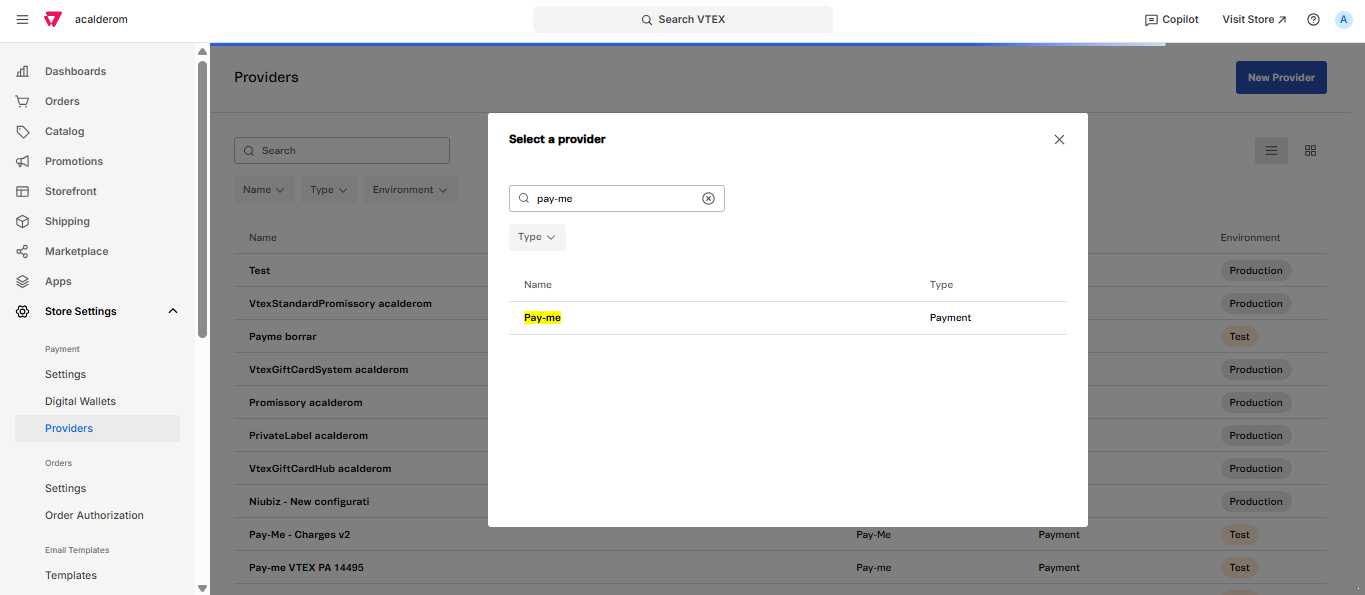
With this step, the storage remains ready for you to configure the credentials and details of integration.
Next step
It continues with the burden of credentials, the monitoring of the environment and the activation of payment methods.