

← Command Center guide03 / TRANSACTIONS
An operation or order can have several payment attempts. Review the specific attempt before interpreting its result. Control names below match the Spanish interface.
Find an operation
- Open Transacciones.
- In Buscar por, choose an identifier and enter its value. The initial option observed was N° pedido (order number).
- Complete Desde, Hasta and Estado to narrow the date range and status.
- Select Buscar.
- Review active filters. Remove a criterion or select Limpiar todos to broaden the search.
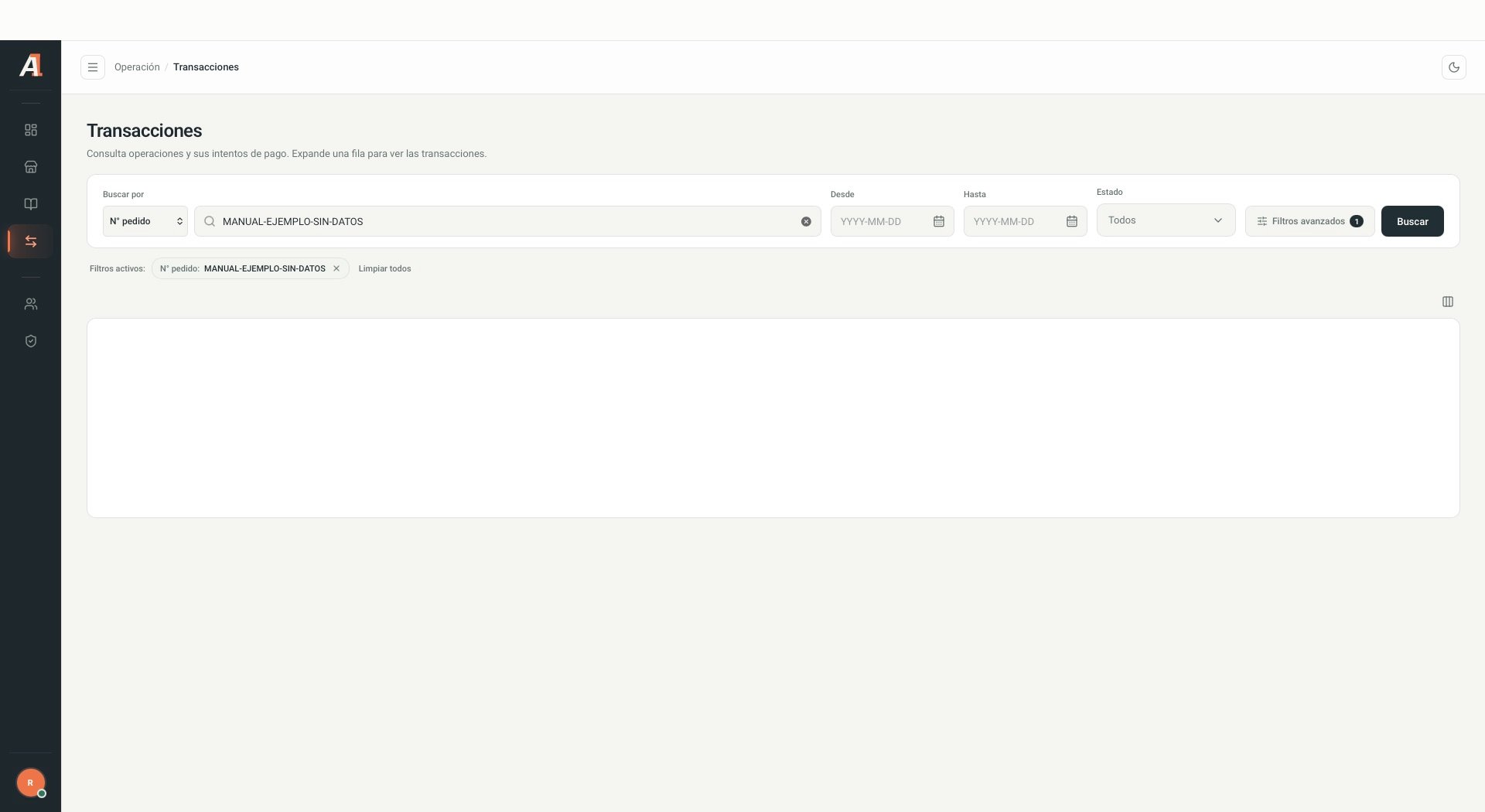
Fictional search with no real customer or transaction data. Interface shown in Spanish.
Advanced filters
Open Filtros avanzados, complete the available criteria and select Aplicar. Cancelar closes the panel and Limpiar resets its criteria.Disabled fields or fields marked Próximamente are not available for filtering. Availability may change by version.
Read the results
The table shows date, order number, merchant, status, amount, method, brand, channel and attempts. Use Mostrar u ocultar columnas to adjust columns and Filas por página, Anterior and Siguiente to navigate results. If no results appear, check dates, identifier, status and filters. An empty list does not prove the operation does not exist.Review attempts
- Select Expandir intentos on the operation.
- Review the status, amount and authorized and failed attempt summary.
- Open the relevant attempt in Historial de intentos.
- Explore Pago, Cliente, Trazabilidad and Técnico, according to your permissions.
- Select Volver a operación to return to the summary.