

Install the module
The v2.2 guide references PrestaShop module 2.0.9. Request the current authorized package and confirm compatibility before installation.Download PrestaShop plugin
Download the latest official Alignet One Checkout plugin for PrestaShop.
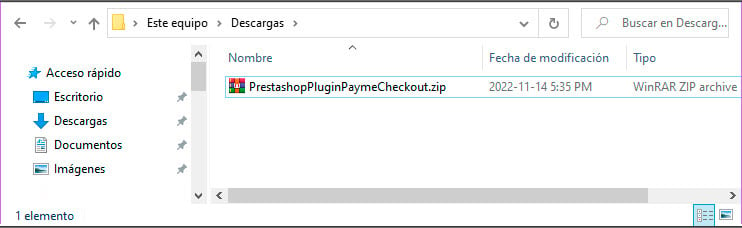
Official Alignet One Checkout package for PrestaShop.
- Open Modules → Module Manager.
- Select Upload a module.
- Choose the official ZIP package, install it, and complete activation.
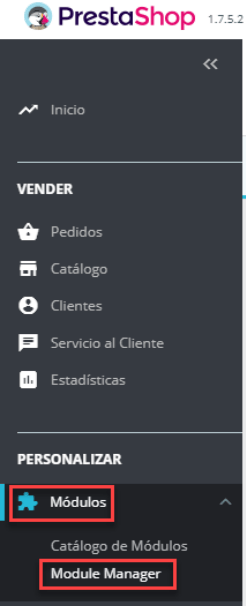
Opening Module Manager.
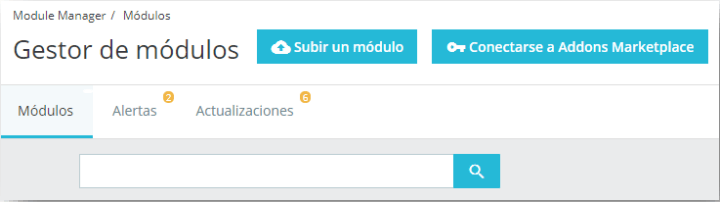
Uploading the module package.
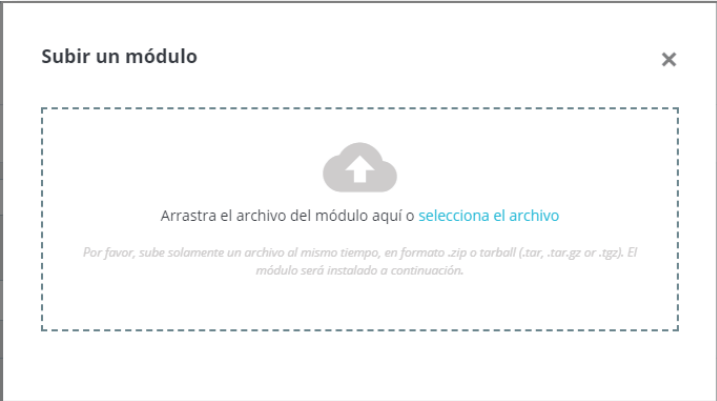
Installing and activating Alignet One Checkout.
Configure Alignet One Checkout
Locate Alignet One Checkout in Modules → Module Manager, open its settings, and select Integration during certification.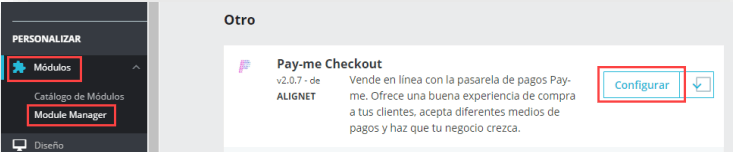
Opening Alignet One Checkout settings.
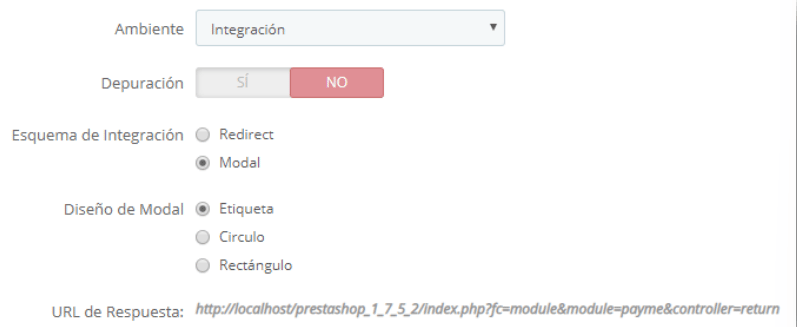
Main module settings.
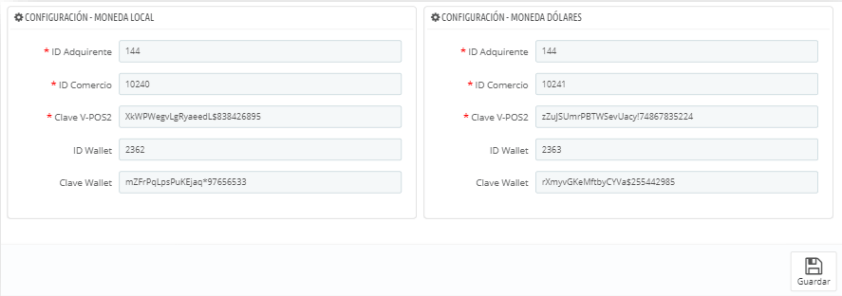
Currency-specific settings.
- The payment method is enabled.
- Integration is the active environment.
- IDs and keys belong to the same merchant and environment.
- The store currency matches the configured currency block.
- The response URL has been registered.