

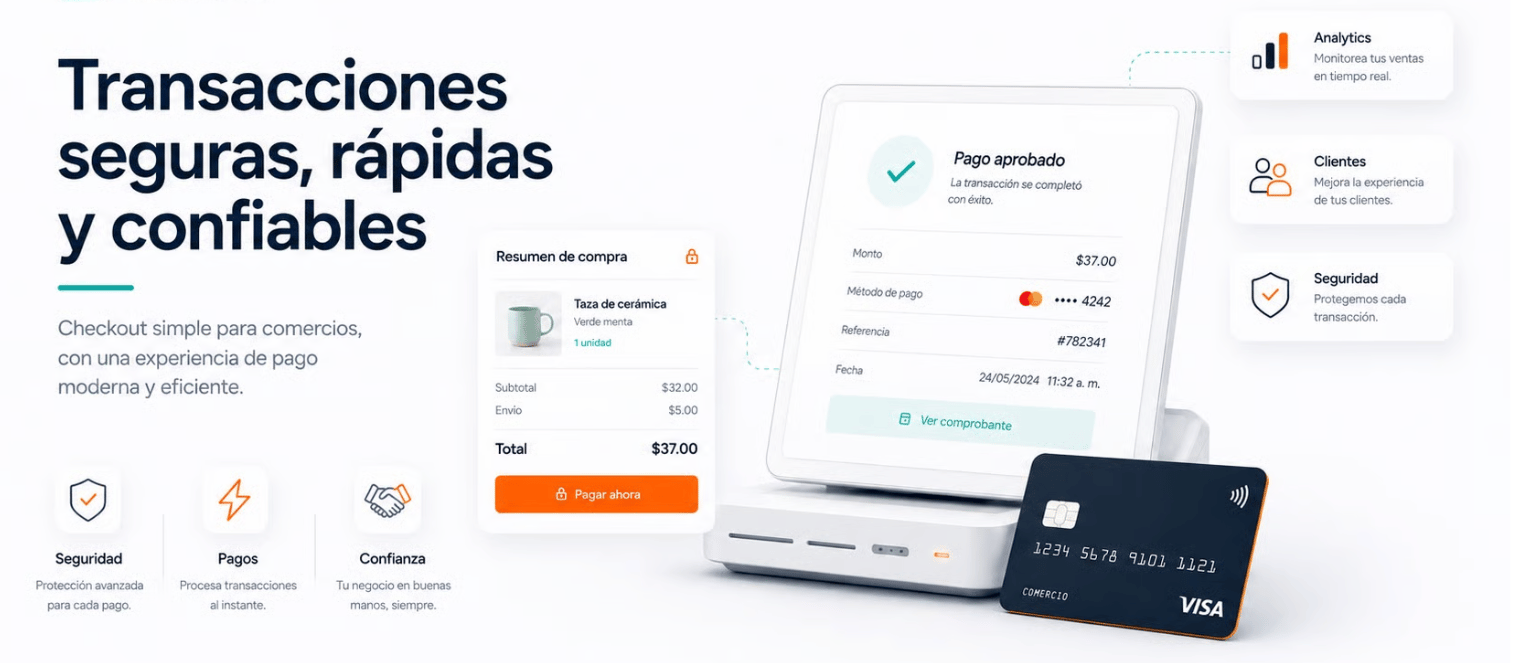
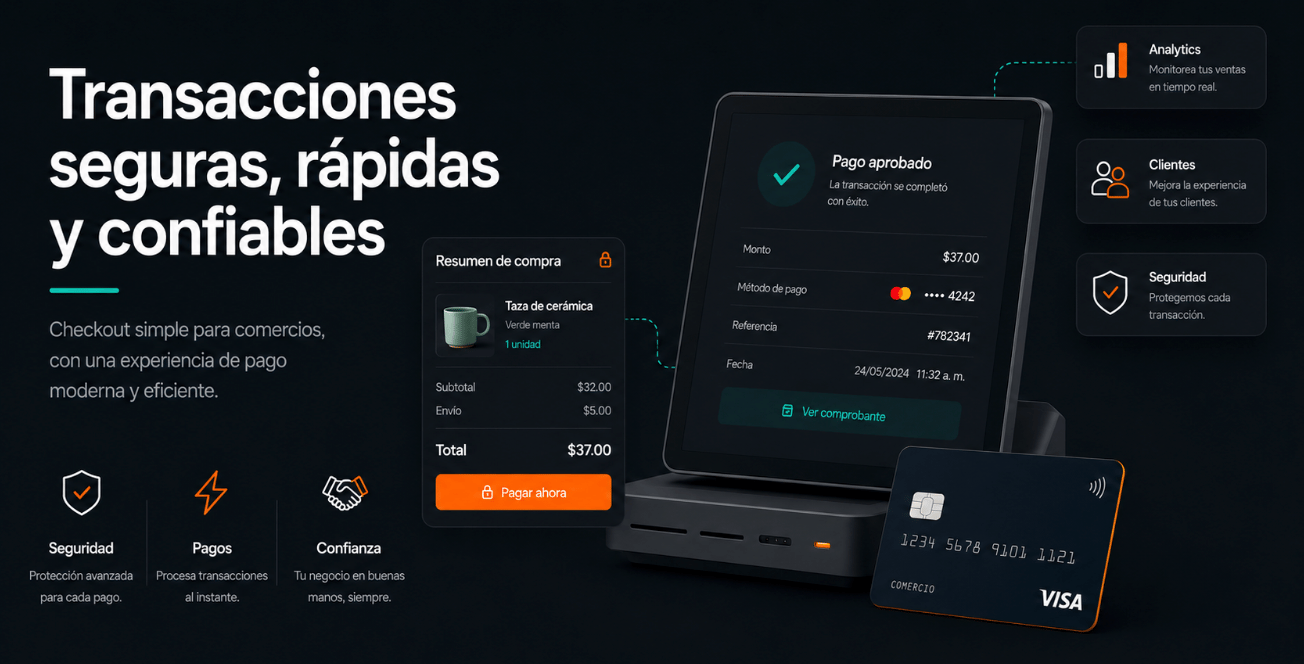
VPOS · Alignet's classic online payments version.
Choose the right path
Ecommerce
Integrate payments into WordPress / WooCommerce or PrestaShop stores.
Payment button
Implement VPOS through Modal, Redirect, or the mobile SDK.
Third-party agent
Connect multiple payment methods and processors through the Orchestrator API.
Administrative system
Review orders, operations, reports, and users in VPayment Web.
How to use this documentation
1
Select your solution
Identify the channel or product used by your merchant and open its guide.
2
Review requirements
Confirm the technical conditions, environment, and access required before starting.
3
Complete the setup
Follow the installation or integration instructions and use the images and examples as references.
4
Run tests
Validate the flow in the assigned environment before coordinating the move to production.
Availability and configuration may vary by country, acquirer, and contracted service.
Explore VPOS
View all available solutions.