

Available designs
The Integrations team registers the logo and payment-form colors. The merchant can choose one of the three published designs.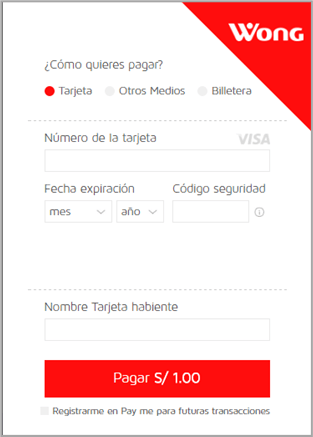
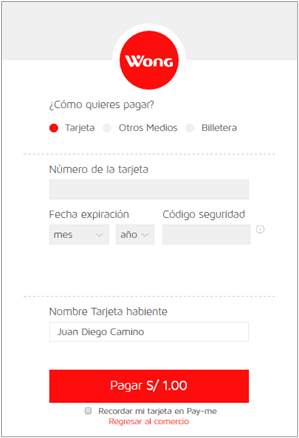
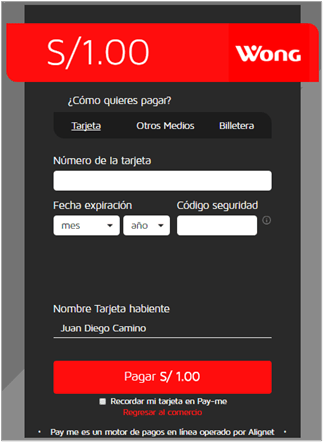
Official designs available for the Modal form
Provide the logo as a PNG and colors as hexadecimal values. The background, option selector, primary button, selected state, and link color can be defined.

Background color examples
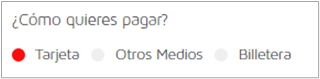


Customizable form elements
Minimum testing
- The Modal opens from a direct user action on desktop and mobile.
- Safari, Chrome, and Firefox were tested.
- Amount, currency, and operation number arrive correctly.
- Request and response signatures are validated.
- The order is updated only once after retries or reloads.
- Authorized, denied, and rejected operations were validated.
- Technical messages are not shown to the buyer.
- The Integrations team received the results.