

Requirements
- Android 5.0, API level 21 or later.
- Gradle 7.4 or later.
- Android Studio Chipmunk 2021.2.1 or later.
- Merchant Key provided by Alignet.
Payme.aar,SecureKey3DS.aar,VisaSensoryBranding.aar, andMastercardSonic.aar.
Add the libraries
Create alibs folder in the project and copy the four AAR files provided by Alignet.
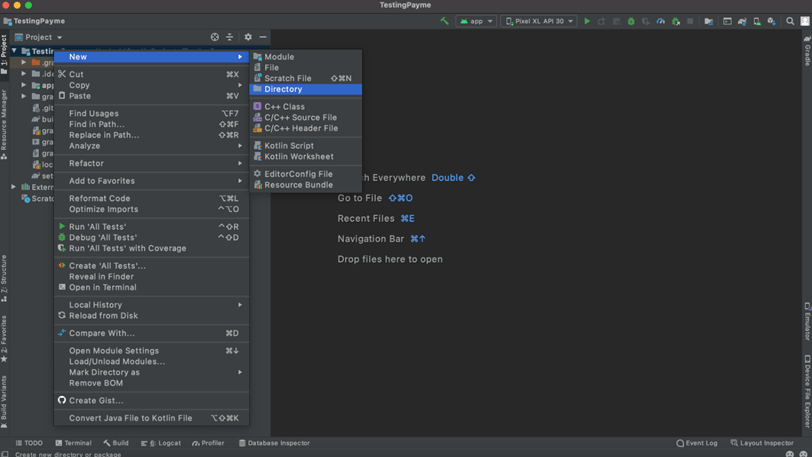
AAR libraries inside the Android project
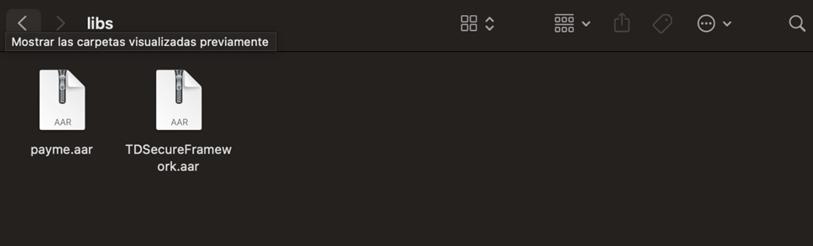
Gradle configuration for the AAR libraries
Required dependencies
The official guide lists AndroidX Core/AppCompat, Kotlin stdlib, ViewPager2, RecyclerView, ConstraintLayout, Retrofit, Gson, OkHttp, SpongyCastle, BouncyCastle, and Nimbus JOSE JWT. Keep versions compatible with your project and the package delivered by Integrations.Avoid declaring the same dependency with different versions. Inspect the dependency tree and resolve conflicts before running the SDK.
- All four AAR files are present.
- Gradle sync completes without errors.
- The minimum API remains 21 or later.
- The Key is loaded from secure configuration.